Newsletter template
Free Two-Page Community Newsletter template
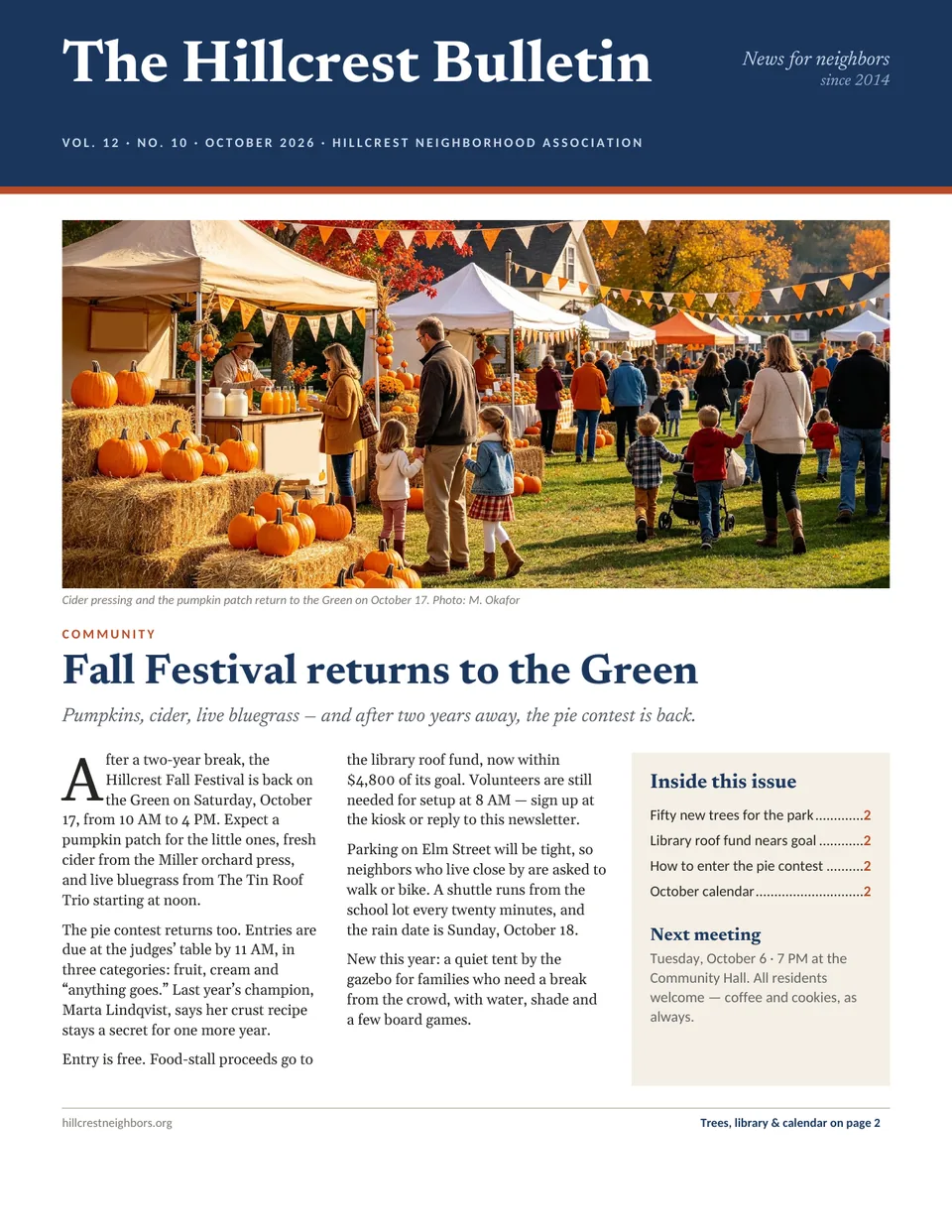
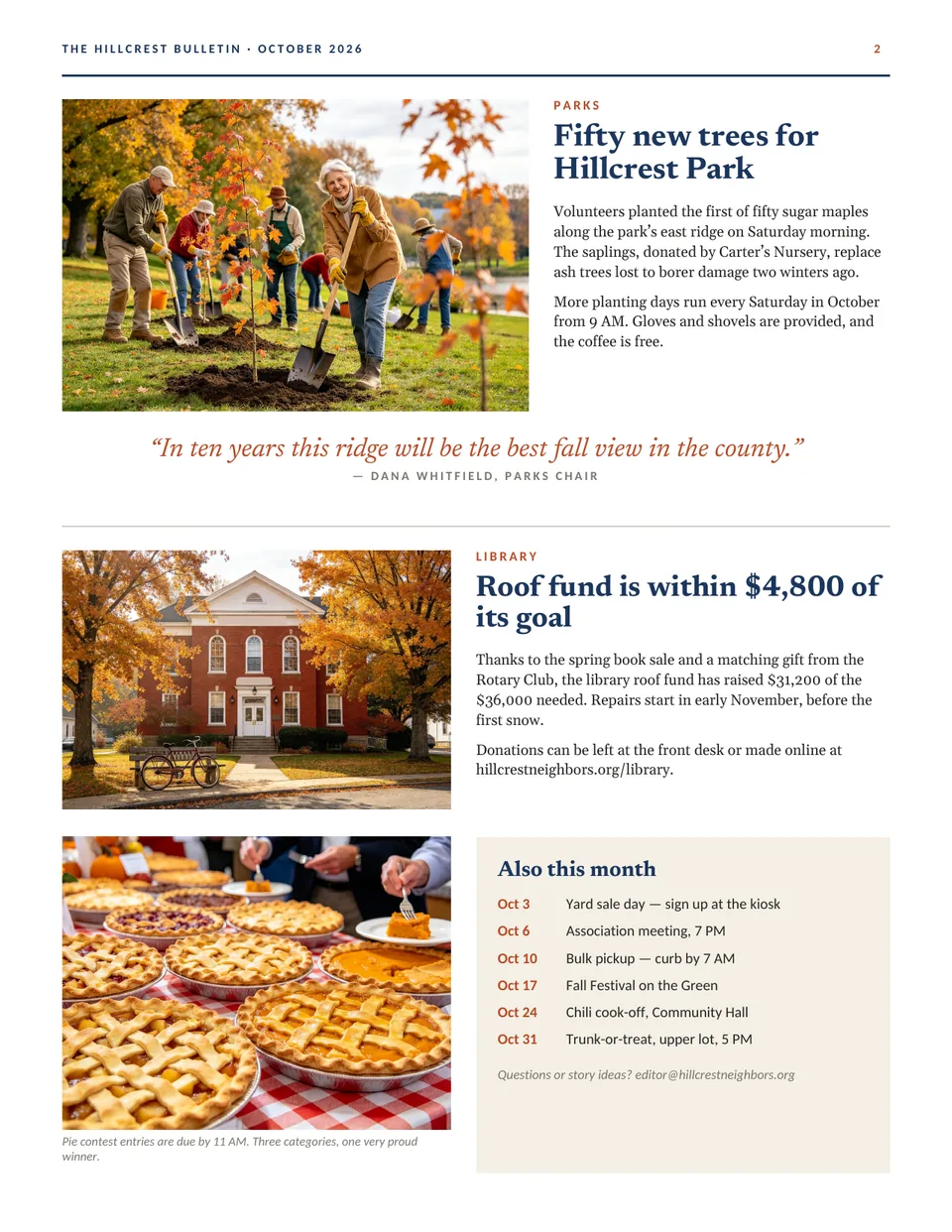
A two-page newsletter for a neighborhood association, church, school or club. Page one carries the masthead, a lead story with a drop cap and an “Inside this issue” box; page two has photo stories and a month-at-a-glance calendar.
- Size
- US Letter, portrait, 2 pages
- Pages
- 2
- Files
- Print-ready PDF and editable .kva
- Price
- Free, no sign-up
- Masthead with volume, issue and date line
- Lead story, two photo features and a pull quote
- Calendar column for the month’s dates
The PDF prints as-is. To change the words and photos, open the .kva file in Korva (free for Windows, macOS and Linux).
Tips for this template
Update the masthead line
Change the volume, issue number and date in the masthead each time. Readers notice when it still shows last month.
Write to the space
Each story box is sized for a set length. If a story runs long, cut it rather than shrinking the type below about 10 pt, which gets hard to read on paper.
Use real photos of your people
Pictures of your own events and volunteers get read far more than stock images. Replace each photo with one of yours.
Printing double-sided
The two pages print front and back on one Letter sheet. Print a single test copy first to check the second page lines up on your printer.
How to edit it in Korva
- Download Korva and install it. It works offline and needs no account.
- Download the .kva file above and open it from Korva’s home screen.
- Click any text frame to retype it, and double-click a photo to replace it with your own picture.
- Export a PDF for the printer. Your first complete project exports free; Korva Pro is USD 49 once for unlimited projects.