Church bulletin template
Free Sunday Church Bulletin template
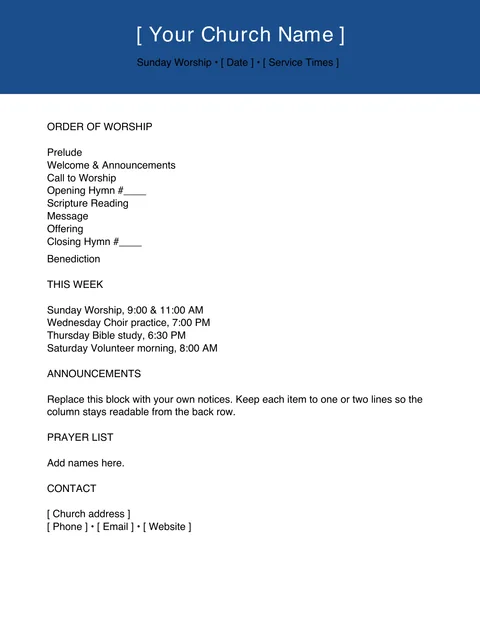
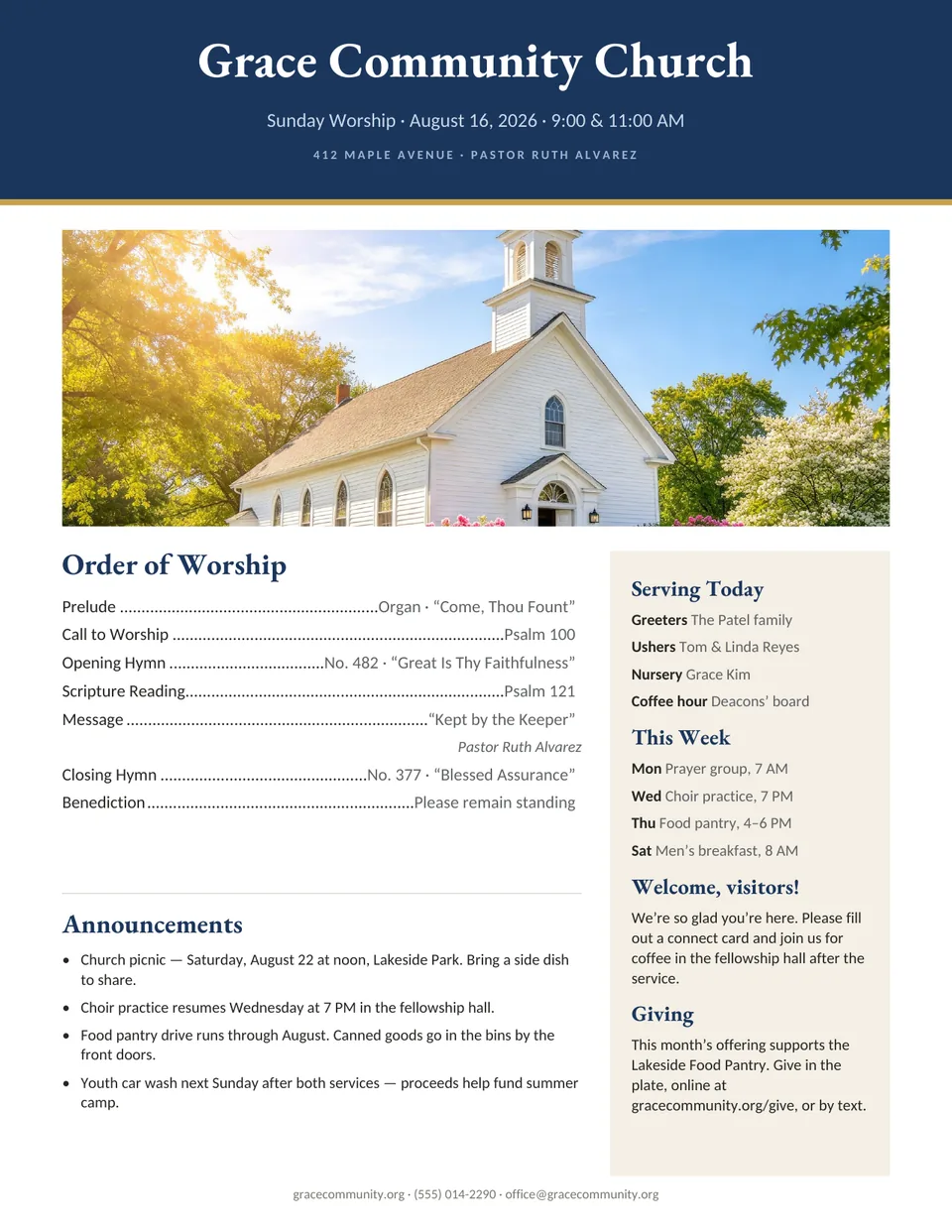
A one-page weekly worship bulletin for churches that print in color. The order of worship sits on the left with dotted leaders to the page numbers, and a sidebar holds the people serving, the week ahead and a welcome for visitors.
- Size
- US Letter, portrait
- Pages
- 1
- Files
- Print-ready PDF and editable .kva
- Price
- Free, no sign-up
- Order of worship with hymn and scripture lines
- Sidebar for volunteers, weekly events and visitors
- Announcements block with room for four notices
The PDF prints as-is. To change the words and photos, open the .kva file in Korva (free for Windows, macOS and Linux).
Tips for this template
Change only what changes
Most weeks you replace the date, the hymns, the scripture readings and the serving team. Keep the masthead, the giving note and the layout as they are, so the bulletin looks familiar every Sunday.
Save a master copy first
Keep one clean copy of the template and save each week as a new file named by date, such as 2026-11-02 bulletin. Last week’s bulletin is then always there if someone asks.
Swap the header photo
Replace the church photo with your own building or a seasonal picture. A wide photo, at least 1,500 pixels across, prints sharply across the top of a Letter page.
Printing in black and white?
If your office copier is black-only, use the Simple Fill-In Church Bulletin instead. It is built for low-ink photocopying.
How to edit it in Korva
- Download Korva and install it. It works offline and needs no account.
- Download the .kva file above and open it from Korva’s home screen.
- Click any text frame to retype it, and double-click a photo to replace it with your own picture.
- Export a PDF for the printer. Your first complete project exports free; Korva Pro is USD 49 once for unlimited projects.