How do I activate Korva Pro with my licence key?
Click the Free button in Korva's title bar, then I have a licence key. Paste the key from your receipt email into Licence key and click Activate Pro. You need an internet connection once, to activate; after that Korva Pro works offline.
- In Korva
- Title bar, then Free, then I have a licence key, or Help, then Korva Pro
Korva Pro feature. Korva Pro is $49 once. The free version shows you this feature and asks for Pro when you use it. Free vs Pro
When you buy Korva Pro, Polar (the company that handles our checkout) emails you a receipt with your licence key. The key starts with KORVA- followed by groups of letters and numbers.
Activate Pro
-
Open Korva and connect to the internet.
-
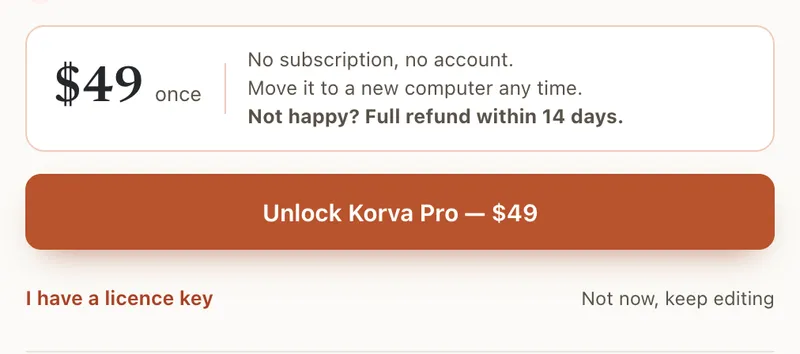
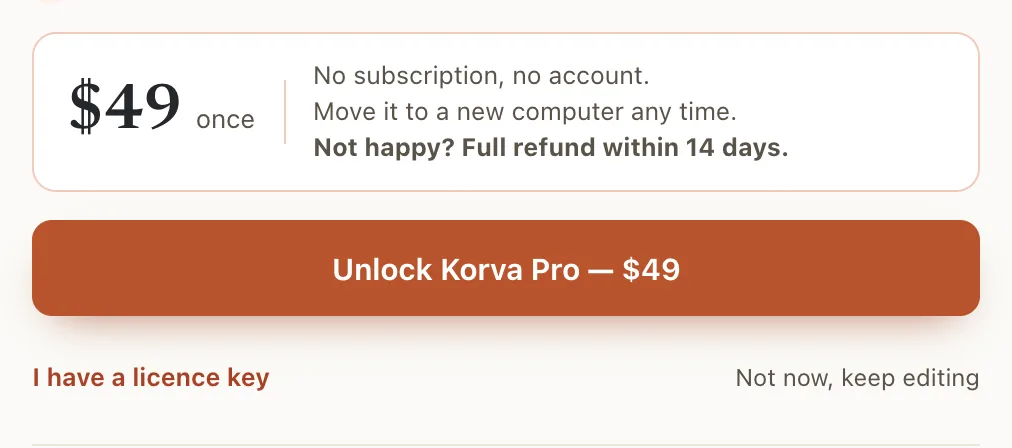
Click the Free button in the title bar (it may say Free · first project free or Free · 1 of 1 project). On the start screen, click Korva Pro · $49 once at the top right. You can also use Help, then Korva Pro on the ribbon.
-
Click I have a licence key.
- 1I have a licence key
-
Copy the key from your receipt email and paste it into Licence key (⌘VCtrl+V). When the key looks right, Korva says Key format recognized — activation will verify it.
-
Click Activate Pro.
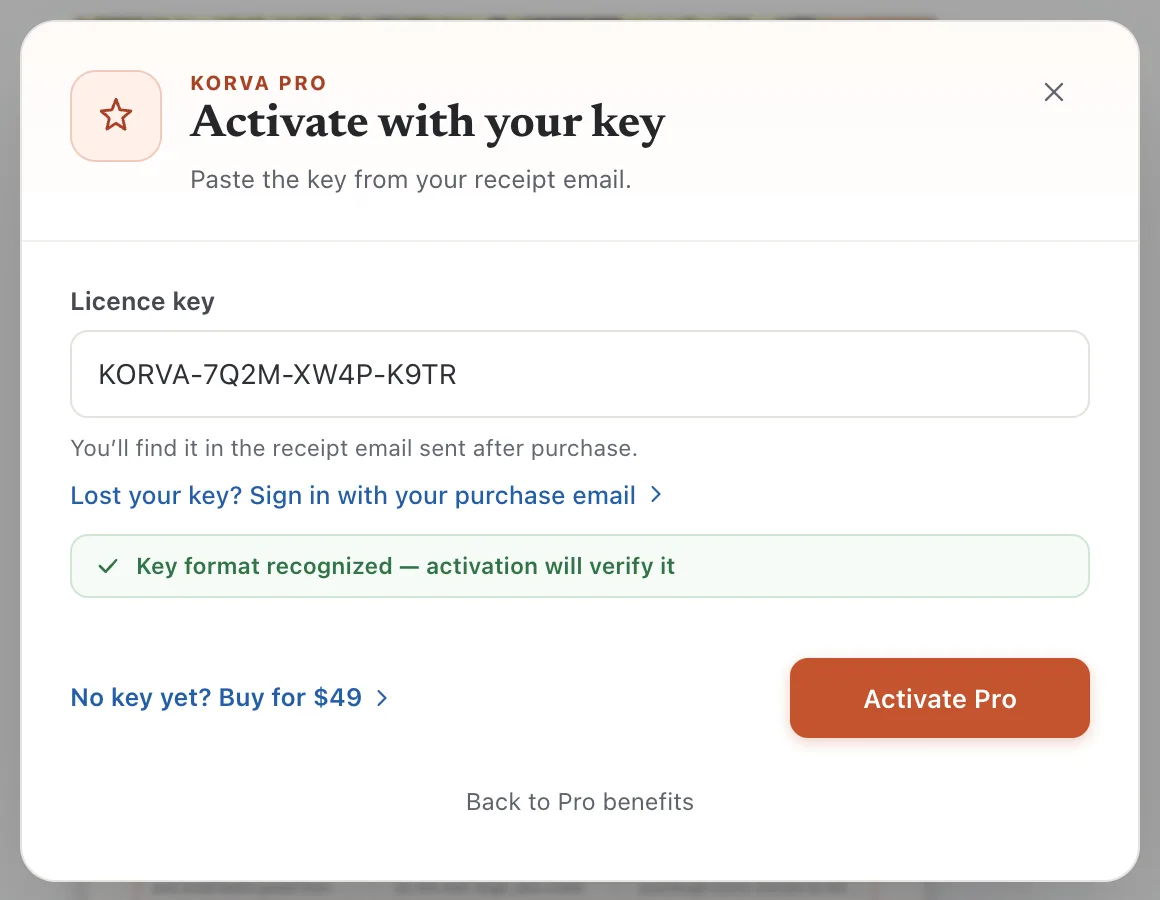
- 1Licence key
- 2Activate Pro
- 3Lost your key?
Korva checks the key with the licence server. When it works, it says Korva Pro is activated. Click Start using Pro. The button in the title bar now says Pro.
Check that Pro is active
Click Pro in the title bar. Pro is ready to use means this computer is licensed.
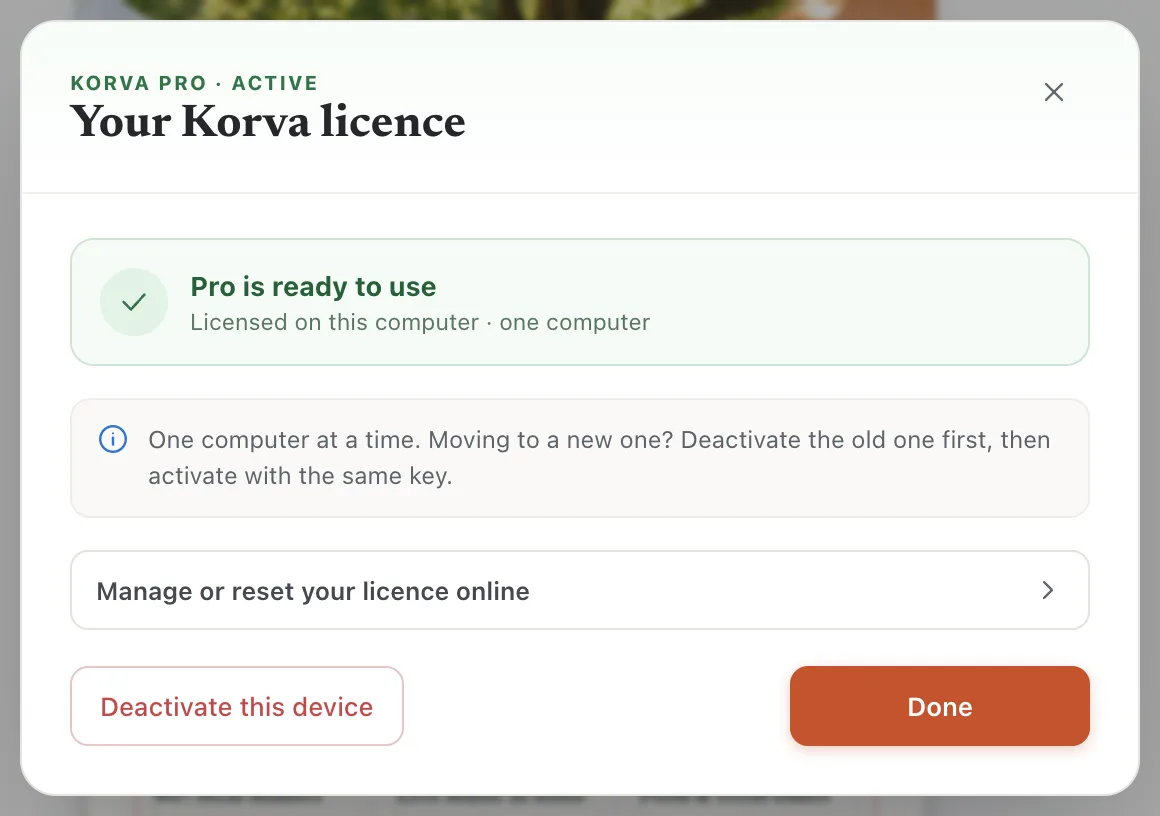
- 1Pro is ready to use
From here you can also move the licence to another computer. See Move your licence.
If it still doesn’t work
“That licence key could not be found”
The key is mistyped or incomplete. Copy it again from the email instead of typing it, and make sure you got the whole key. Check that it’s the key from your Korva receipt and not an order number.
“This licence is already in use on another computer”
A licence works on one computer at a time. Deactivate it on the other computer first, or if that computer is gone, free it online. See Move your licence.
“Could not reach the licence server”
Activation needs the internet once. Check your connection, and if you’re on a work or school network, try another network. After activation you can work offline; see Using Korva Pro offline.
I can’t find the email with my key
Click Lost your key? Sign in with your purchase email in the same window. See I lost my licence key.
Something wrong or missing in this article? Email support or open an issue on GitHub.
